
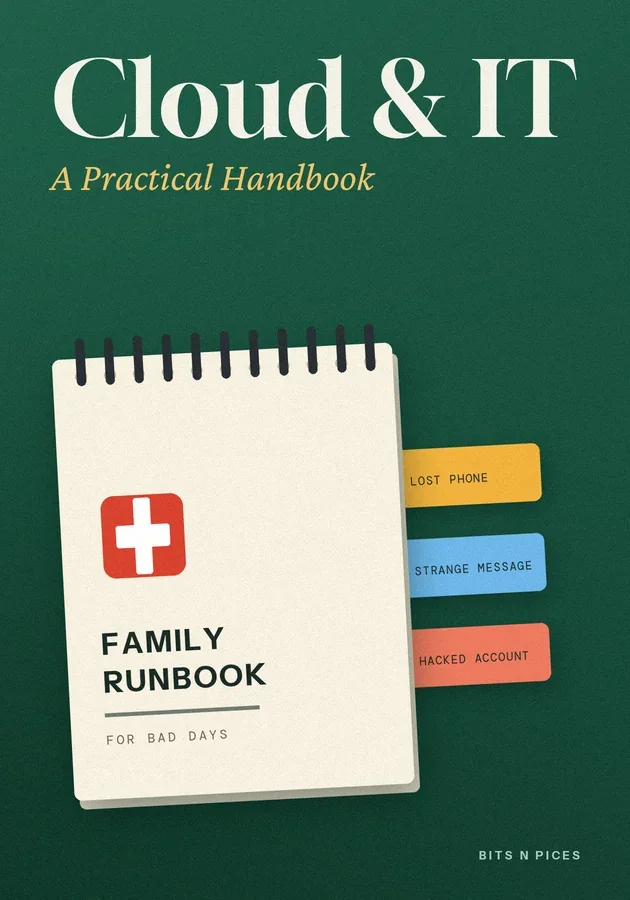
Cloud & IT: A Practical Handbook
Kernaussagen
- Write a one-page family IT map listing every device, important account and subscription, who uses it and how it is recovered.
- Give every important account a unique password stored in a password manager, and switch on two-step verification starting with email.
- Keep family photos and documents in three copies on two kinds of storage with one away from home, and test a restore.
- Set up a child's first device together, using the built-in family settings and a written agreement you revisit as they grow.
- Keep a printed family runbook for lost phones, strange messages and hacked accounts, so anyone can act calmly in the first ten minutes.
In diesem Bit
- Draw your family's IT map first
Most households have far more technology than anyone has written down: phones, a laptop or two, a tablet, a smart TV and the Wi-Fi router, plus dozens of accounts for email, banking, school portals, photo storage and streaming. When something breaks, the first twenty minutes usually go on working out which email a service was registered with, or who knows the router password.
- The family password and two-step routine
Reused passwords are how most family accounts get broken into. A password leaked from one small website is tried automatically on email, shopping and social accounts within hours.
- A backup routine that survives a lost phone
Family photos are often the one thing people cannot replace, and most live only on the phone that took them. Syncing to a cloud service helps, but sync is not backup: if a photo is deleted on the phone, sync can faithfully delete it everywhere.
- Setting up a child's first device together
A child's first phone or tablet is easier to manage if you set it up with them rather than handing it over finished. Most phones, tablets and computers now include family settings: a child account linked to a parent's, requests to approve new apps, content filters suited to age, and screen-time limits.
- Home network checklist for a quiet Saturday
The Wi-Fi router is the front door for every device in the house, yet many still run with the settings they arrived with. Half an hour on a Saturday closes most of the gaps.
- The family runbook for bad days
IT professionals keep a runbook, a short set of steps to follow when something goes wrong, so that nobody has to think clearly under stress. A family can do the same on one printed page kept with the IT map.
Lerne es auf sechs Arten
Visualisierung, Mindmap, Praxis, Szenario, Challenge und Review wurden für dieses Buch erstellt.
Quiz und Karteikarten
Teste, was du gelesen hast, und behalte es durch Spaced Repetition im Gedächtnis.
Bits AI
Es beantwortet Fragen zum Buch, zum Abschnitt oder zur Quizfrage, bei der du dich gerade befindest.