
Emerging Technology: Smart Habits & Practical Skills
Points clés
- Family technology stays healthy through defaults, friction and cues built into the home, not through rules everyone must remember every single day.
- A short weekly reset anchored to an existing family moment keeps updates, backups and new apps under control before small problems pile up.
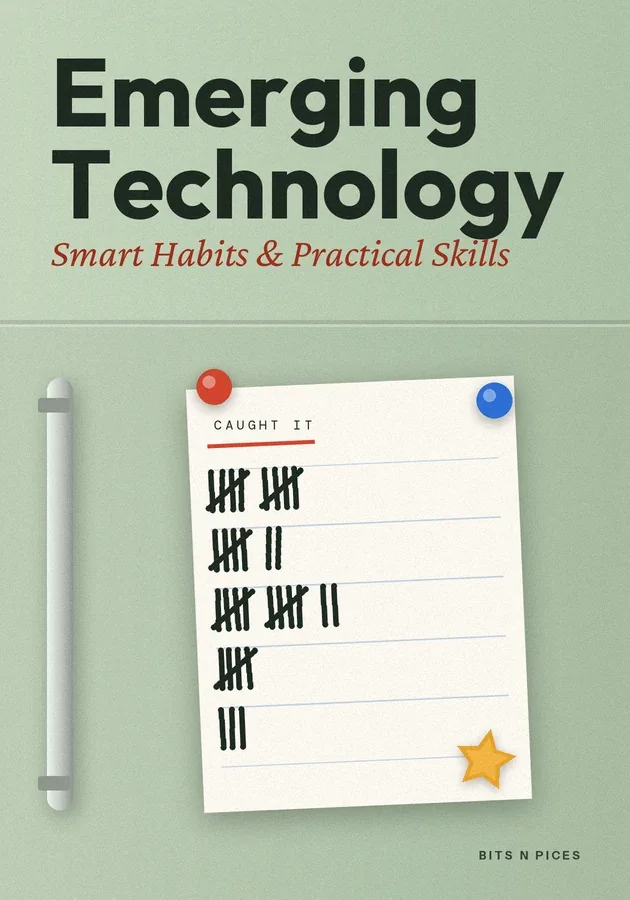
- Keep a family list of times AI tools got something wrong or pushed for money, and celebrate each catch so checking becomes a shared habit.
- Children copy the security routines they watch, so let them see you use a password manager, two-step sign-in and the habit of opening apps yourself.
- Loosen controls deliberately as children show judgement, and review the family system monthly so it grows with them instead of breaking.
À l'intérieur de ce bit
- Why households need systems, not more rules
Most families answer new technology with rules: no phones at dinner, an hour of tablet time, ask before downloading. Rules depend on memory and willpower, and both run out by Thursday.
- Designing defaults and friction that do the work
Start by auditing the defaults on every device the family uses. Switch on automatic updates, because most security fixes arrive quietly and a device left months behind is an open door.
- The twenty-minute weekly family reset
Small problems in family technology compound. An ignored update becomes a weakness, a full phone quietly stops backing up photos, and an app installed in a rush keeps its microphone access for a year.
- A caught-it habit for AI at home
AI tools now sit in the family's pockets: chatbots that explain, language partners that chat, photo apps that edit faces. The risk at home is rarely one dramatic mistake; it is a slow habit of accepting whatever the screen says.
- Security routines the whole family runs
Children copy what they see far more than what they are told. If they watch you type the same password everywhere, they will do the same.
- Tracking, slipping and adjusting as children grow
Keep tracking light enough to survive. A chart on the fridge with four ticks a week, reset done, updates installed, backup checked, one conversation held, tells you whether the system is alive.
Apprenez-le de six manières
Visualisation, Carte mentale, Pratique, Scénario, Défi et Révision sont disponibles pour ce livre.
Quiz et cartes mémoire
Testez ce que vous avez lu et retenez-le grâce à la répétition espacée.
Bits AI
Il répond sur le livre, la section ou la question de quiz sur laquelle vous vous trouvez.