Beginner's Guide to Presentation Skills
重要なポイント
- Decide what the audience should understand, agree or do afterwards; if they only need information, send a short note instead of presenting.
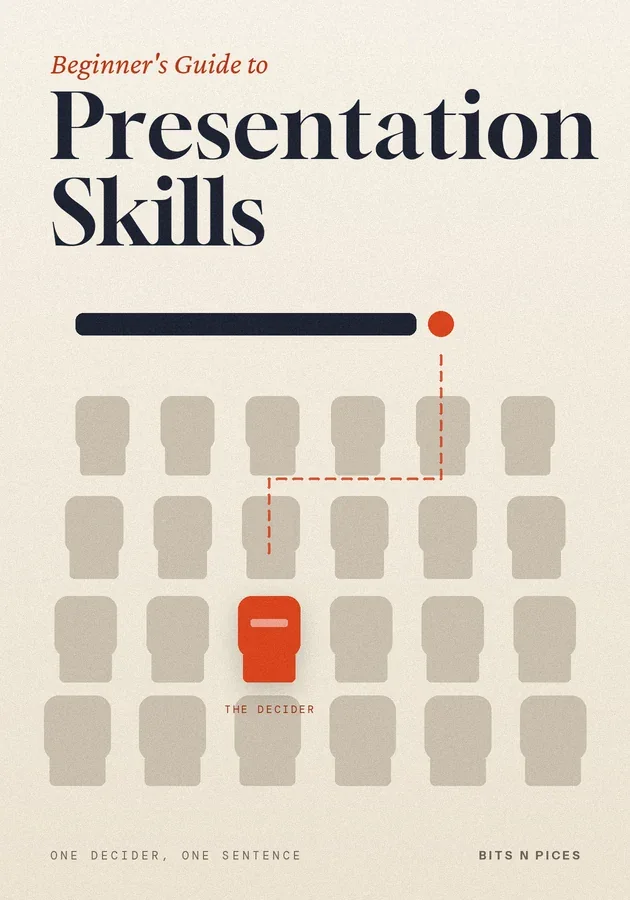
- Design for the decision-maker: learn what they know and worry about, then write a one-sentence message with a verb that answers it.
- Pick a shape the room can follow: an opening that says why it matters to them, a few signposted points and a close that makes the ask.
- Rehearse out loud and timed at least twice, memorising the opening and close but speaking the middle from keyword notes.
- Cut content until you finish with a minute to spare, open without apologising, and end on your message and a specific ask.
このbitの内容
- What a presentation is, and when to skip one
A presentation is a planned talk, usually with something to look at, that moves a specific group of people from where they are to where you need them to be. That destination is one of three things: understanding something, agreeing with something or doing something.
- The vocabulary presenters use
A handful of terms lets you plan a talk and diagnose one that went wrong. The audience is everyone who will hear you, and the decision-maker is the person whose yes you need.
- First move: the decision-maker and one sentence
Most rooms hold one person whose yes you need, the decision-maker, and a talk that pleases everyone else but misses that person usually fails. So before you open any slide software, name them and find out two things: what they already know, and what they worry about.
- Second move: a shape the room can follow
Audiences cannot scroll back, so structure does the work that headings and paragraphs do in writing. A dependable shape has three parts.
- Third move: rehearse out loud, with helpful slides
Slides should support you, not replace you. Give each slide one idea, write its headline as a full sentence that states the point, and add one chart or picture that proves it.
- Where first presentations usually go wrong
Most weak presentations fail in predictable ways. Too much content is the commonest; the fix is to cut until your rehearsal finishes with a minute to spare, moving detail to backup slides after your close, not to speak faster.
6つの方法で学ぶ
この本のために、Visualize、Mind Map、Practice、Scenario、Challenge、Reviewが用意されています。
クイズとフラッシュカード
読んだ内容をテストし、間隔反復で記憶に定着させましょう。
Bits AI
あなたが読んでいる本、セクション、クイズの質問について答えます。