
重要なポイント
- Your phone is now your wallet, ID card and front-door key, so give it a strong screen lock and protect the number with a SIM PIN.
- Review app permissions every few months and switch off any access to location, contacts, microphone or photos that an app does not clearly need.
- A payment PIN or QR scan only ever sends money, never receives it, so any request to use one for a refund is a scam.
- When a breach notice arrives, change that password and every other one where you reused it, then switch on two-step verification there.
- The old basics still stop most attacks: different passwords, prompt updates, a recent backup and a pause before acting on anything urgent.
このbitの内容
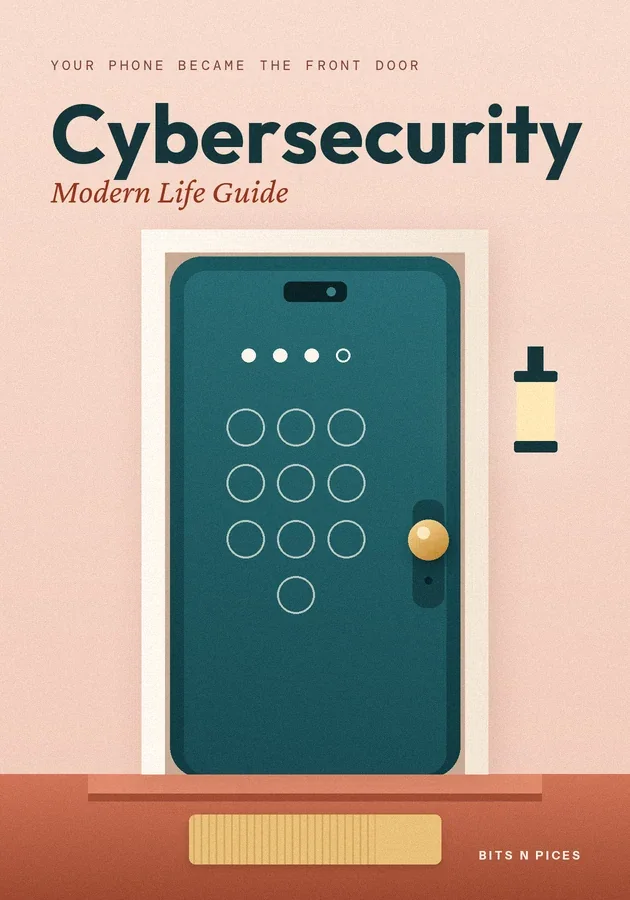
- Your phone became the front door
Ten years ago the family computer was the thing to protect. Today the phone carries your banking and payment apps, photos of your ID, your email, and the one-time codes that confirm to other services that you are you.
- Apps, permissions and the trail you leave
Every app asks for permissions: access to your location, contacts, camera, microphone or photos. Some requests are obvious, since a maps app needs to know where you are.
- Working from home, cafés and shared flats
Remote and hybrid work moved company files into kitchens, cafés and co-working desks. Public Wi-Fi is less dangerous than it once was, because most sites now encrypt the connection, shown by the padlock beside the address.
- Money scams built for a hurry
Instant payments are convenient for everyone, fraudsters included, because money can leave in seconds and is hard to pull back. Most payment scams follow a few patterns.
- Too much information: breaches, fakes and fatigue
Modern life brings a steady stream of breach notices, security warnings, forwarded alarms in family groups and convincing fake videos. The danger is alert fatigue: when everything sounds urgent, people start ignoring all of it, including the one message that mattered.
- What still holds, whatever changes next
Beneath the new apps and new tricks, four old rules still stop most attacks. Use a different password for every important account; a password manager makes that painless.
6つの方法で学ぶ
この本のために、Visualize、Mind Map、Practice、Scenario、Challenge、Reviewが用意されています。
クイズとフラッシュカード
読んだ内容をテストし、間隔反復で記憶に定着させましょう。
Bits AI
あなたが読んでいる本、セクション、クイズの質問について答えます。