
Beginner's Guide to Resume & LinkedIn
Главные выводы
- A resume has one job, earning you a conversation, so every line should help answer whether you can do this particular role.
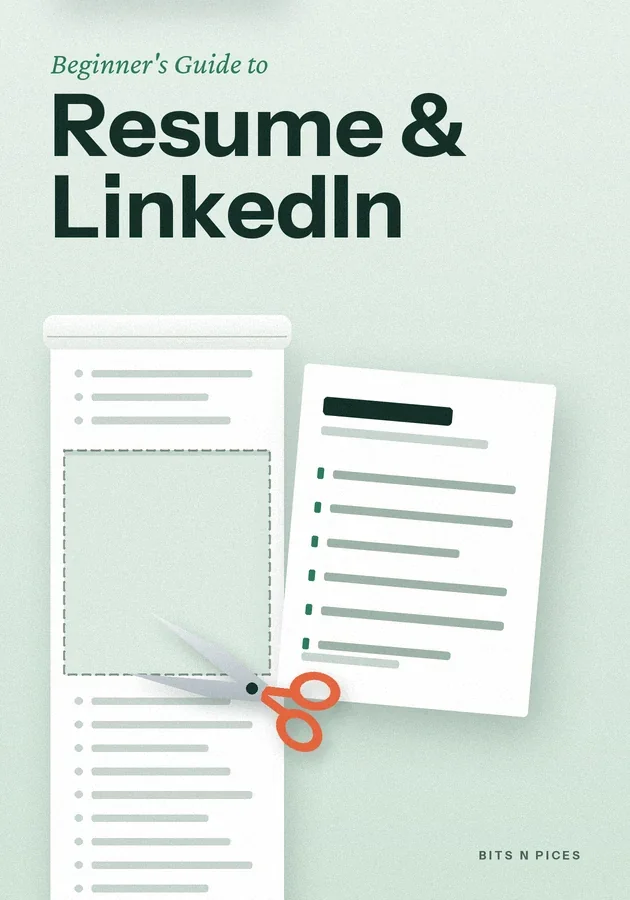
- Keep a private master list of every job, course and project, and cut each one-page resume from it using the posting's repeated words.
- Write each line as an action, what you did and an honest result, instead of listing duties or adjectives like hard-working.
- Treat your LinkedIn profile as the public version of the same facts: a clear photo, a searchable headline, a short About and matching dates.
- Before sending, check for the classic mistakes: one generic version, fancy layouts, risky personal details, typos and claims you cannot explain.
Внутри этого бита
- What a resume and a profile are for
A resume is a short document, usually one page for a beginner, that tells an employer what you can do and what you have done. It has one job: to earn you a conversation.
- The words you will keep meeting
A handful of terms cause most of the confusion. Resume and CV usually mean the same thing: people in India and the United States often say resume, Britain says CV, and in university jobs a CV means a longer, complete record.
- Your first three moves
Start with a master list, not a resume. On a single document, write every job, internship, course, project and volunteer role you have had, with dates and one thing you are proud of from each.
- Writing lines that show, not tell
Most beginner resumes describe duties: responsible for customers, handled stock, assisted the manager. A duty tells the reader what the job was, not how well you did it.
- Setting up LinkedIn without the stress
A beginner's profile needs five parts, and together they take about an hour. A clear photo: your face, good daylight, a plain background, taken on any phone.
- The classic beginner mistakes
Most weak resumes fail in the same few ways, which is good news, because a checklist catches them. The first is sending one generic version everywhere; a few minutes of tailoring to the posting's words usually does more than dozens of identical applications.
Изучайте шестью способами
Для этой книги доступны режимы: Визуализация, Интеллект-карта, Практика, Сценарий, Вызов и Повторение.
Тесты и карточки
Проверяйте прочитанное и запоминайте с помощью интервального повторения.
Bits AI
Отвечает на вопросы о книге, разделе или вопросе теста, который вы сейчас проходите.