
핵심 요약
- Write a one-page family IT map listing every device, important account and subscription, who uses it and how it is recovered.
- Give every important account a unique password stored in a password manager, and switch on two-step verification starting with email.
- Keep family photos and documents in three copies on two kinds of storage with one away from home, and test a restore.
- Set up a child's first device together, using the built-in family settings and a written agreement you revisit as they grow.
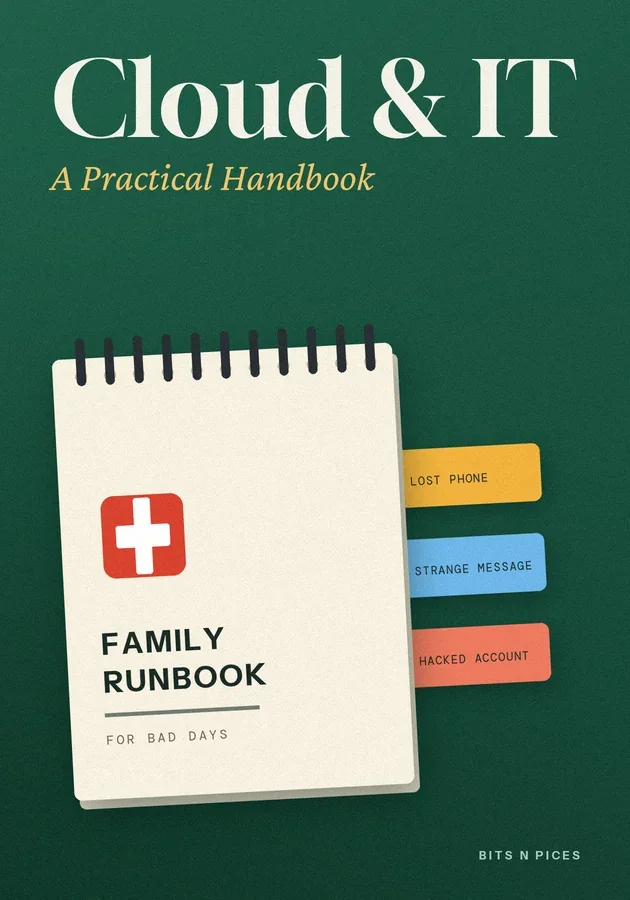
- Keep a printed family runbook for lost phones, strange messages and hacked accounts, so anyone can act calmly in the first ten minutes.
이 비트의 내용
- Draw your family's IT map first
Most households have far more technology than anyone has written down: phones, a laptop or two, a tablet, a smart TV and the Wi-Fi router, plus dozens of accounts for email, banking, school portals, photo storage and streaming. When something breaks, the first twenty minutes usually go on working out which email a service was registered with, or who knows the router password.
- The family password and two-step routine
Reused passwords are how most family accounts get broken into. A password leaked from one small website is tried automatically on email, shopping and social accounts within hours.
- A backup routine that survives a lost phone
Family photos are often the one thing people cannot replace, and most live only on the phone that took them. Syncing to a cloud service helps, but sync is not backup: if a photo is deleted on the phone, sync can faithfully delete it everywhere.
- Setting up a child's first device together
A child's first phone or tablet is easier to manage if you set it up with them rather than handing it over finished. Most phones, tablets and computers now include family settings: a child account linked to a parent's, requests to approve new apps, content filters suited to age, and screen-time limits.
- Home network checklist for a quiet Saturday
The Wi-Fi router is the front door for every device in the house, yet many still run with the settings they arrived with. Half an hour on a Saturday closes most of the gaps.
- The family runbook for bad days
IT professionals keep a runbook, a short set of steps to follow when something goes wrong, so that nobody has to think clearly under stress. A family can do the same on one printed page kept with the IT map.
여섯 가지 방법으로 배우기
이 책을 위해 시각화, 마인드맵, 연습, 시나리오, 챌린지, 복습 기능이 준비되어 있어요.
퀴즈와 플래시카드
읽은 내용을 테스트하고 간격 반복으로 확실히 기억하세요.
Bits AI
보고 있는 책, 섹션, 퀴즈 질문에 대해 답변해 줍니다.