
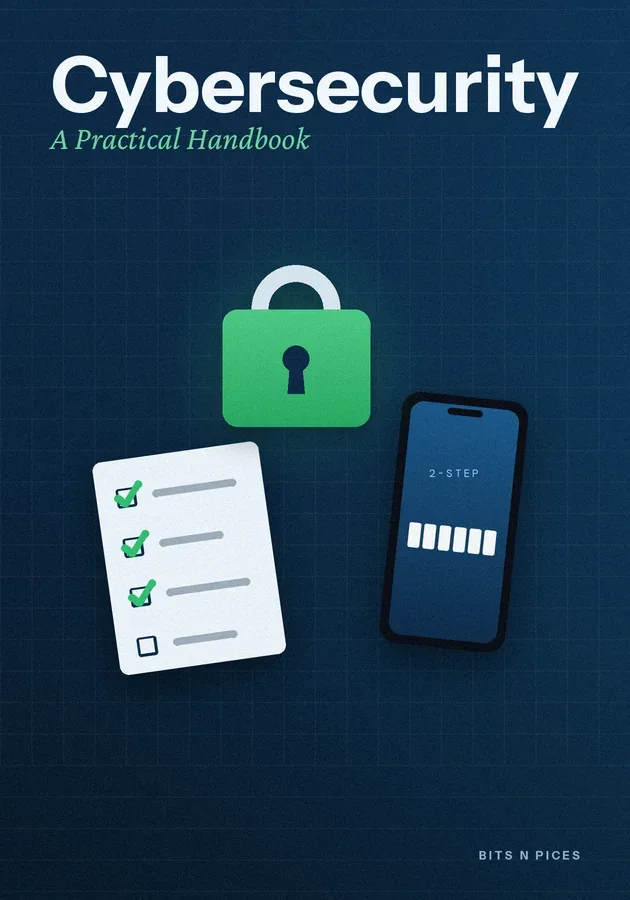
Cybersecurity: A Practical Handbook
Principais ideias
- Start with a written list of every device and account the family uses, because you cannot protect what nobody remembers owning.
- Secure the main email account first with a long passphrase and two-step sign-in, since it can reset almost every other account in the house.
- Hold a monthly fifteen-minute family routine to install updates, check the router and backups, and review which apps each child has added.
- Teach every family member one rule: anyone asking for a code, a password, money or a secret gets checked with a grown-up first.
- Keep a written response plan with your backup codes, and promise children they will never be punished for reporting a mistake quickly.
Dentro deste bit
- Run a family device and account inventory
Every practical security plan starts with a list. Sit down with a notebook or a private document and walk through the home room by room.
- Set up passphrases and a password manager
A password manager is an app that creates, stores and fills a different strong password for every account, protected by one master passphrase. It is the single biggest upgrade most households can make.
- Turn on two-step sign-in, account by account
Two-step sign-in, also called two-factor authentication, means a password alone is not enough; the account also asks for something from your phone or a small physical key. Turn it on in this order, because each account protects the next: main email, phone and app store account, bank and payment apps, photo storage, then social media and games.
- Updates, backups and settings on a schedule
Security settings drift unless someone checks them. The simplest fix is a monthly family routine, perhaps on the first Sunday, that takes about fifteen minutes.
- The scam-check script for every age
Most attacks on families arrive as messages and calls rather than clever hacking, so the most useful tool is a script everyone knows by heart. For adults it is stop, check, call back.
- When something goes wrong: the family plan
Write a one-page plan now, while everyone is calm, and keep it with the backup codes. Step one: if a device is behaving strangely or a bad link was clicked, disconnect it from Wi-Fi and mobile data.
Aprende de seis maneiras
Visualizar, Mapa Mental, Praticar, Cenário, Desafio e Revisão foram criados para este livro.
Quiz e flashcards
Testa o que leste e guarda-o com repetição espaçada.
Bits AI
Responde sobre o livro, a secção e a pergunta do quiz em que estás.